what does your .net api say when a request is wrong?
learn input validation, business rules and problem details in asp.net core through a small price calculation example.
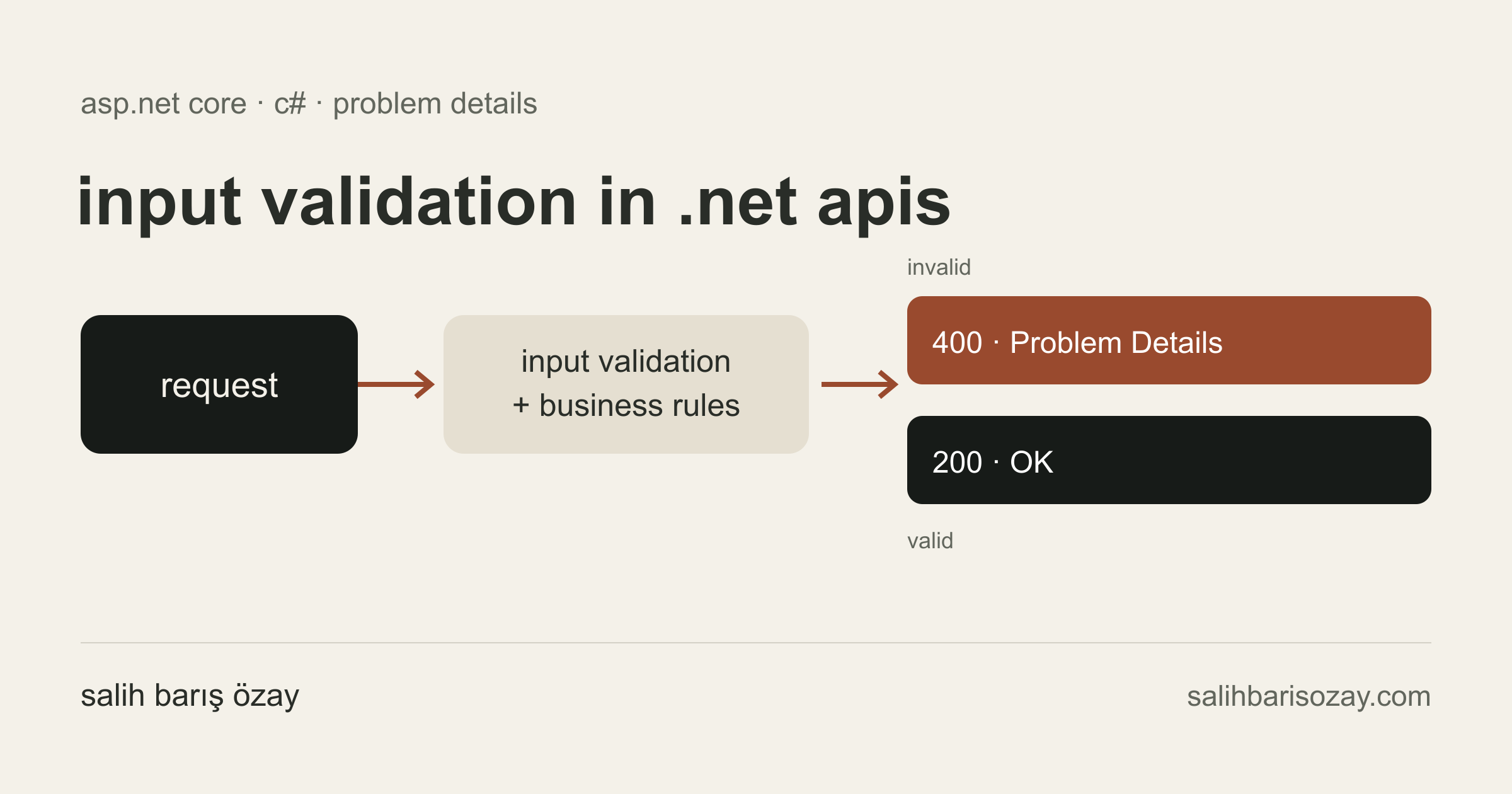
imagine a form with a quantity field, a discount field and a calculate button. returning a total is straightforward when every value is correct. the more interesting question is what happens when a field is missing or two otherwise valid values make an invalid combination. a useful backend explains what needs to change, so the client does not have to guess.
updated:
in this article
01start with the boundary of the request
our example is a price preview endpoint in a single asp.net core application. the server holds a fixed unit price of 100 try; the client supplies a quantity and a discount percentage. we are not creating an order, taking payment or saving data yet. this keeps the example focused on deciding whether a request is acceptable.
the initial rules are simple: quantity must be between 1 and 100, discount between 0 and 50 and both fields must be supplied. another rule connects the values: orders below 10 items cannot receive a discount above 20 percent. we will describe the first group on the request model and check the relationship before calculating the result.
02a small example you can run
with the .net 10 sdk installed, run “dotnet new web -n ValidationDemo”. replace the generated program.cs with the following code. from the project directory, run “dotnet run --no-launch-profile --urls http://localhost:5080”. the code block preserves the letter casing required by c#.
this example uses controllers. [ApiController] returns a 400 response before the action runs when model binding or validation fails. nullable numbers combined with [Required] let us distinguish a missing value from zero. that distinction matters for the discount: zero is valid, while leaving the field out is not.
using System.ComponentModel.DataAnnotations;
using Microsoft.AspNetCore.Mvc;

var builder = WebApplication.CreateBuilder(args);
builder.Services.AddControllers();
builder.Services.AddProblemDetails();

var app = builder.Build();
app.UseExceptionHandler();
app.MapControllers();
app.Run();

public sealed class QuoteRequest
{
    [Required]
    [Range(1, 100)]
    public int? Quantity { get; init; }

    [Required]
    [Range(typeof(decimal), "0", "50")]
    public decimal? DiscountPercent { get; init; }
}

[ApiController]
[Route("api/quotes")]
public sealed class QuotesController : ControllerBase
{
    [HttpPost("preview")]
    public IActionResult Preview(QuoteRequest request)
    {
        var quantity = request.Quantity!.Value;
        var discount = request.DiscountPercent!.Value;

        if (quantity < 10 && discount > 20m)
        {
            ModelState.AddModelError(
                nameof(request.DiscountPercent),
                "Orders below 10 items allow at most 20% discount.");
            return ValidationProblem(ModelState);
        }

        const decimal unitPrice = 100m;
        var total = decimal.Round(
            quantity * unitPrice * (1 - discount / 100m),
            2, MidpointRounding.AwayFromZero);

        return Ok(new { total, currency = "TRY" });
    }
}03valid fields can still form an invalid request
a quantity of 2 and a discount of 30 each pass their range checks. together, they violate our business rule. attributes alone do not express that relationship here. the action checks it explicitly, attaches the error to the discount field and returns ValidationProblem. a client can then place the explanation beside the input that needs attention.
keeping the rule in this small controller makes the flow easy to follow. once another entry point needs the same calculation, move the shared rule into an application or domain component. mapping its result to an http response can stay in the controller. validation also does not grant permission: a real sales application must independently check who may apply a discount and obtain the current price on the server.
04give the client a response it can work with
problem details provides a common shape for error responses. status describes the http status, title gives a short summary and detail can explain this particular occurrence. validation responses add an errors extension that associates field names with messages. define what your client needs instead of assuming every possible member will appear in every response.
both range failures and the discount rule return 400 in this example. that is a choice for this api contract, not a rule that every business failure must return 400. a successful calculation returns 200. avoid making client decisions solely from the wording of a message: it may change or be translated. use the status and field keys; introduce documented, stable error codes when separate business failures require different handling.
for unexpected failures, we configure a central exception handler instead of wrapping every action in a broad try/catch. AddProblemDetails and UseExceptionHandler supply the basic setup. do not send exception messages, connection information or stack traces to users. retain server-side records that let you correlate the request, without indiscriminately logging passwords, tokens or entire request bodies.
05exercise more than the successful path
send the following request from an editor that supports .http files. two items with a 10 percent discount produce a total of 180 try. the calculation uses decimal and explicitly rounds to two places with AwayFromZero. in a real application, the currency and rounding policy need their own business requirements.
POST http://localhost:5080/api/quotes/preview
Content-Type: application/json
Accept: application/json

{ "quantity": 2, "discountPercent": 10 }06what the boundary cases tell us
send an empty json object first: expect 400 for the required fields. set quantity to 0 next; the range check should reject it. quantity 2 with discount 30 should produce a business validation error, while quantity 10 with discount 30 should return 200 and a total of 700 try. a discount of 0 must remain valid. these requests look similar, but each exercises a different behavior.
when automating these checks, include tests through the actual http pipeline. invoking the controller method directly does not prove that the [ApiController] filter works. assert the status, response fields and calculated value. a punctuation change in a message should not be mistaken for a broken business rule.
before writing the next endpoint, answer three questions: which data is required, which combinations are invalid and how can the client correct the request? those decisions give each validation check a clear purpose and make the api easier to use.